
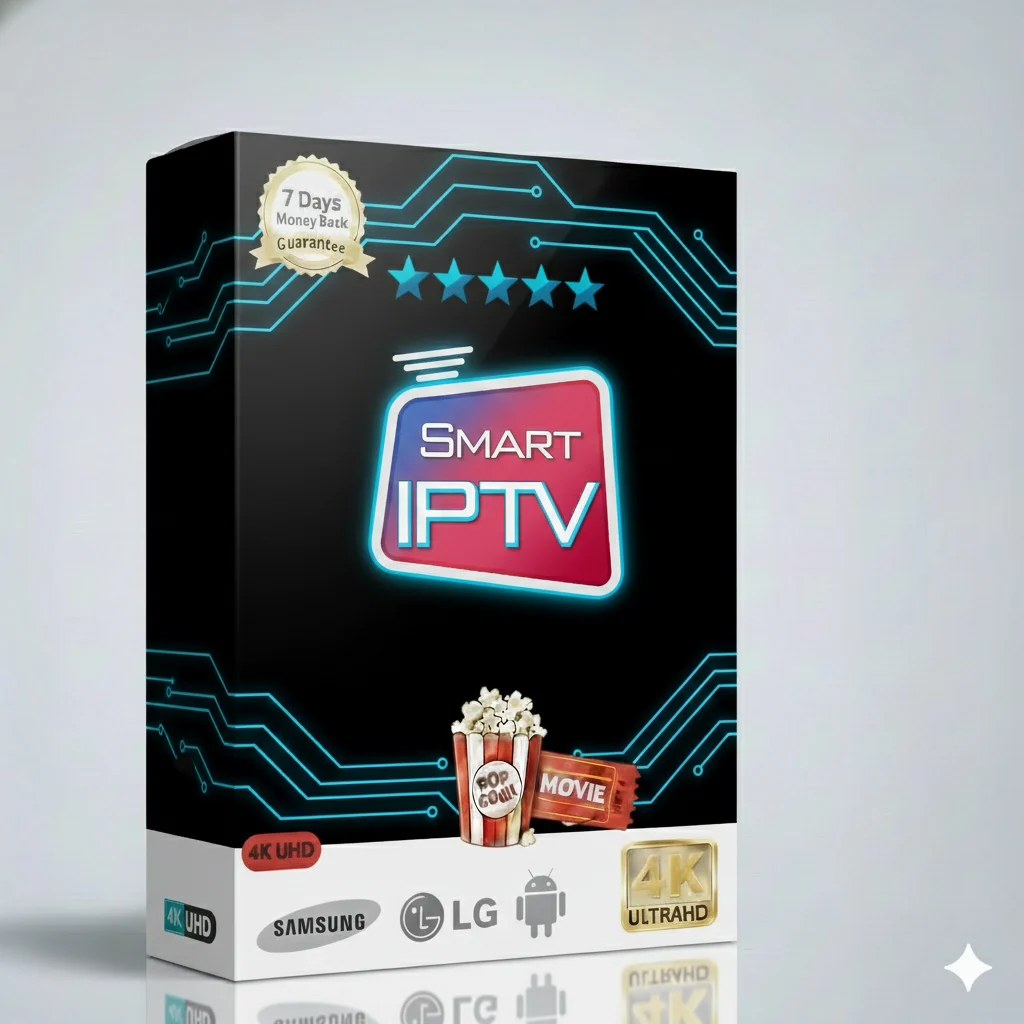
Smart IPTV Yearly Plan – 10000+ Live Channels HD Quality

Smart IPTV Yearly Plan – 10000+ Live Channels HD Quality

Description

Smart IPTV Yearly Plan – 10000+ Live Channels HD Quality

Welcome to the best way to watch TV! Get over 10,000 live channels in clear HD quality. Watch sports, movies, news, and shows for kids. All in one place. Easy to use on your Smart TV, Fire Stick, phone, or tablet.

🎯 What You Get With This IPTV Plan

This is not just normal TV. It is a world of entertainment. Here is what you can watch:

  • Live Sports: Football, tennis, basketball, and more. Never miss a game.
  • Latest Movies: New releases and classic films. Updated daily.
  • TV Series: Full seasons of popular shows. Binge-watch your favorites.
  • Kids Channels: Cartoons and fun programs for children. Safe and family-friendly.
  • News Networks: Stay informed with 24/7 news from around the world.
  • Documentaries: Learn about nature, history, science, and travel.

All channels stream in High Definition (HD) for a clear, beautiful picture. The service is stable and reliable.

Simple & Affordable Pricing

Choose the plan that fits your life. Pay once and enjoy for months. No hidden fees.

Subscription Plan Price Best For
1 Month $9.99 Trying it out
3 Months $29.99 Short-term viewers
6 Months $39.99 Great value
12 Months (Yearly Plan) $49.99 ⭐ MOST POPULAR Best savings

📺 Watch on Multiple Screens?

Need the subscription for more than one TV or device? We have a special plan for you.

  • 2 Devices (12 Months): $99.99
  • 3 Devices (12 Months): $149.99
  • 5 Devices (12 Months): $239.99

Perfect for families or different rooms in your house.

How to Order Your IPTV Plan (Step-by-Step)

Getting started is very easy. Follow these simple steps.

  1. Visit our website: Go to iptv-smarterspro.org.
  2. Choose your plan: Select the 1-month, 3-month, 6-month, or yearly plan from the list above.
  3. Make the payment: Use a safe payment method like credit card or PayPal.
  4. Check your email: We will send your login details (username, password, and server URL) right away.
  5. You are ready! Use these details to set up the app on your device.

Your Activation Process is Instant

After you pay, your account is created immediately. You do not need to wait. The email with your information is sent automatically. If you do not see it, check your spam folder. Then, you can start the setup on your device.

Easy Setup & Support Guide

We work on almost any device you have. Here is how to use it on the most popular ones.

📱 On Your Smart TV

Most new Smart TVs (Samsung, LG, Sony) can download apps.

  • Go to your TV’s app store (like LG Content Store or Samsung Apps).
  • Search for “IPTV Smarters Pro” app.
  • Download and install the app.
  • Open it and enter the login details from your email.
  • Start watching!

🔥 On Amazon Fire Stick

Fire Stick is a very popular device for IPTV. Setup is simple.

  • From the Fire Stick home, go to Search.
  • Type “Downloader” and install the Downloader app.
  • Open Downloader and enter this code: smarters.spl
  • This will download the IPTV Smarters Pro app.
  • Install it, open the app, and log in with your details.

Detailed Setup Guide for IPTV Smarters Pro App

The IPTV Smarters Pro app is the best way to watch our service. It is clean and easy. Here is exactly how to set it up after you install it.

Step 1: Open the App

Find the IPTV Smarters Pro icon on your device and open it.

Step 2: Add Your User and Password

You will see a login screen. Do not use the Xtream Codes API option. Instead:

  • Select “Login with Playlist“.
  • Give any name to your playlist (e.g., “My TV”).
  • Paste the URL from your email into the “Playlist URL” box.
  • Enter the Username and Password from your email.

Step 3: Load and Enjoy

Click “Add User“. The app will load your channels. This takes a minute. Then, you will see all your live TV, movies, and series organized in categories. Click on any channel to watch.

Beginner Support Guide: First-Time User Tips

New to IPTV? No problem. Here are simple tips for the best experience.

  • Use a Good Internet Connection: For HD quality, we recommend at least 15 Mbps internet speed.
  • Restart Your Device: If the app is slow, simply restart your Fire Stick, Smart TV, or box.
  • Check Your Details: Always copy and paste your login URL exactly as shown in the email.
  • Update the App: Keep the IPTV Smarters Pro app updated for the best performance.
  • Favorites List: You can add channels to ‘Favorites’ for quick access later.

🛠️ 24/7 Technical Support for You

You are never alone. Our support team is here for you all day, every day.

If you have any problem—like setup issues, buffering, or login trouble—contact us immediately. We fix most problems in a few minutes. Use the support contact on our website iptv-smarterspro.org.

Start Watching Today – It’s Easy!

Why wait? Get the Smart IPTV Yearly Plan now. Enjoy 10,000+ channels, HD quality, and all your favorite shows and sports. The setup is simple and our support is always ready to help.

👉 Get Your IPTV Subscription Now

Click the button to visit our website and choose your plan. Your entertainment world is one click away.

Related Services

Subscription for IPTV