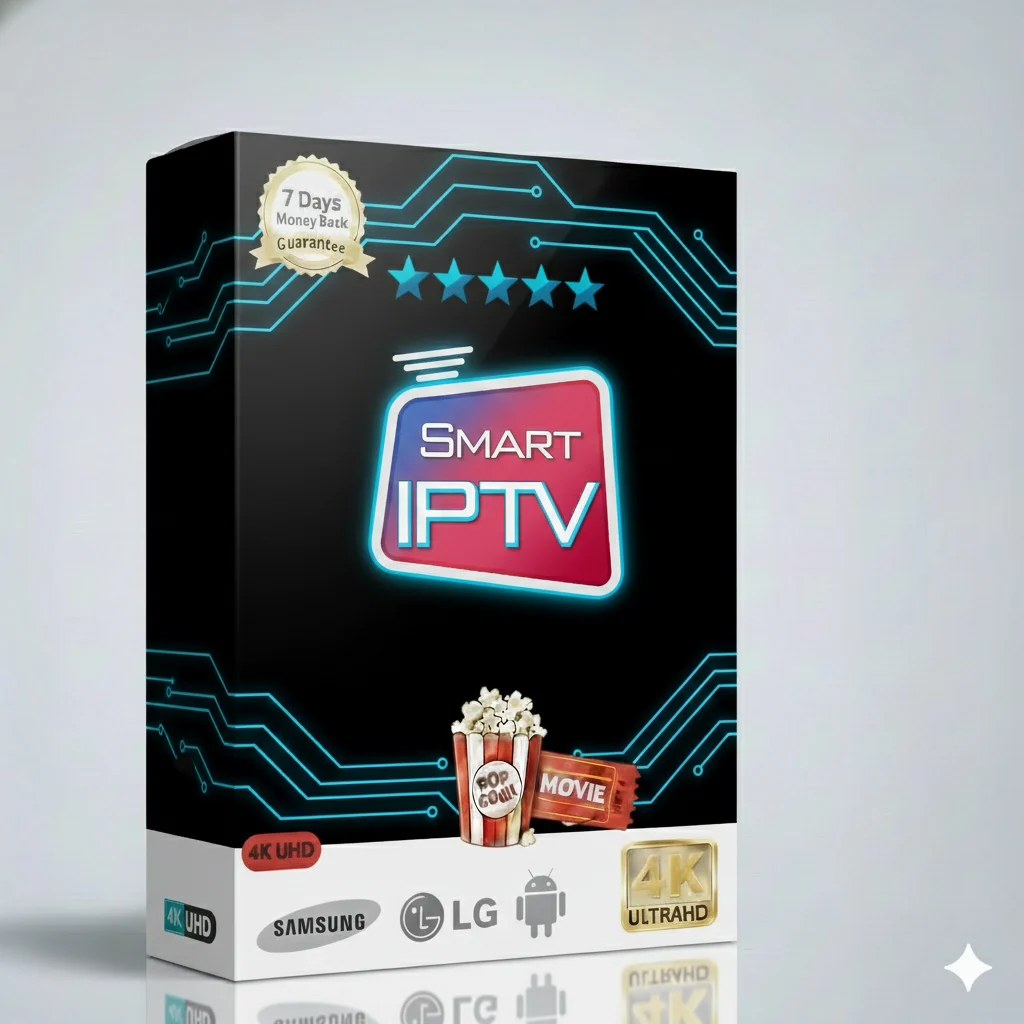
🎬 Welcome to your free 24-hour test! Experience the ultimate Smart TV IPTV service. Watch everything in high quality. No risk, just great entertainment. Start your test now.
Your new favorite shows and movies are waiting. This IPTV service brings the world to your screen.
Never miss a game. Watch live football, tennis, basketball, and more on premium sports channels.
A huge library of the latest movies and TV series. Watch new releases and classic favorites.
Stay updated with 24/7 news channels. Keep the children happy with safe and fun kids’ content.
This is not just another IPTV service. It is built for your Smart TV to give you the best experience.
Everything you need to know to get started. Simple and clear.
The service is packed with features for a great price.
Use the service on almost any device you own.
✅ Smart TVs: Samsung, LG, Android TV/Google TV
✅ Streaming Devices: Amazon Fire TV Stick, Android TV Box
✅ Phones & Tablets: Android, iOS (iPhone, iPad)
✅ Computers: Windows, Mac (using an app or web player)
Flexible setup. Use the format and app you prefer.
We recommend these great apps for the best experience:
IPTV Smarters Pro
Very user-friendly. Perfect for beginners.
TiviMate
Best for Fire Stick and Android TV. Looks like cable TV.
IBO Player
Great for older Smart TVs. Simple and reliable.
A good internet connection is key for smooth streaming.
Tip: Always use a wired Ethernet connection for your Smart TV or Fire Stick if you can. It is more stable than Wi-Fi.
Follow these simple steps to install and use your Smart IPTV service on a Fire Stick. It’s easy!
Step 1: From the Fire Stick home screen, go to Search.
Step 2: Type “Downloader” and install the free app.
Step 3: Open Downloader. In the URL box, enter the code for the IPTV Smarters Pro app file.
Step 4: Download and install the app.
Step 5: Open IPTV Smarters Pro. Select Login with Xtream Codes API.
Step 6: Enter the username, password, and server URL from your subscription email.
Step 7: Click “Add User” and start watching! Your channels and VOD will load.
Need help? We provide the exact URL and codes after you get your free test or subscription.
Most problems have a simple fix.
If you still have problems, contact our support team. They are fast to help.
Choose the plan that fits your life. All plans include the free 24-hour test first.
| Subscription Plan | Price | Best For |
|---|---|---|
| 1 Month | $9.99 | Trying it out short-term |
| 3 Months | $29.99 | Good value for a season |
| 6 Months | $39.99 | Great long-term savings |
| 12 Months | $49.99 | The best deal for one device |
| Multi-Device 12 Months (2 to 5 devices) |
$99.99 – $239.99 | Families or multiple TVs |
Your free 24-hour test is the first step. See the quality, the channels, and the easy setup for yourself. There is no risk. If you love it, choose a plan and enjoy non-stop entertainment.
Join thousands of happy users who watch their favorite shows every day. This Smart IPTV service is reliable, high-quality, and made for your Smart TV.
No payment needed. No long contract. Just great TV.
Need help? Visit our main support site for guides and contact.