
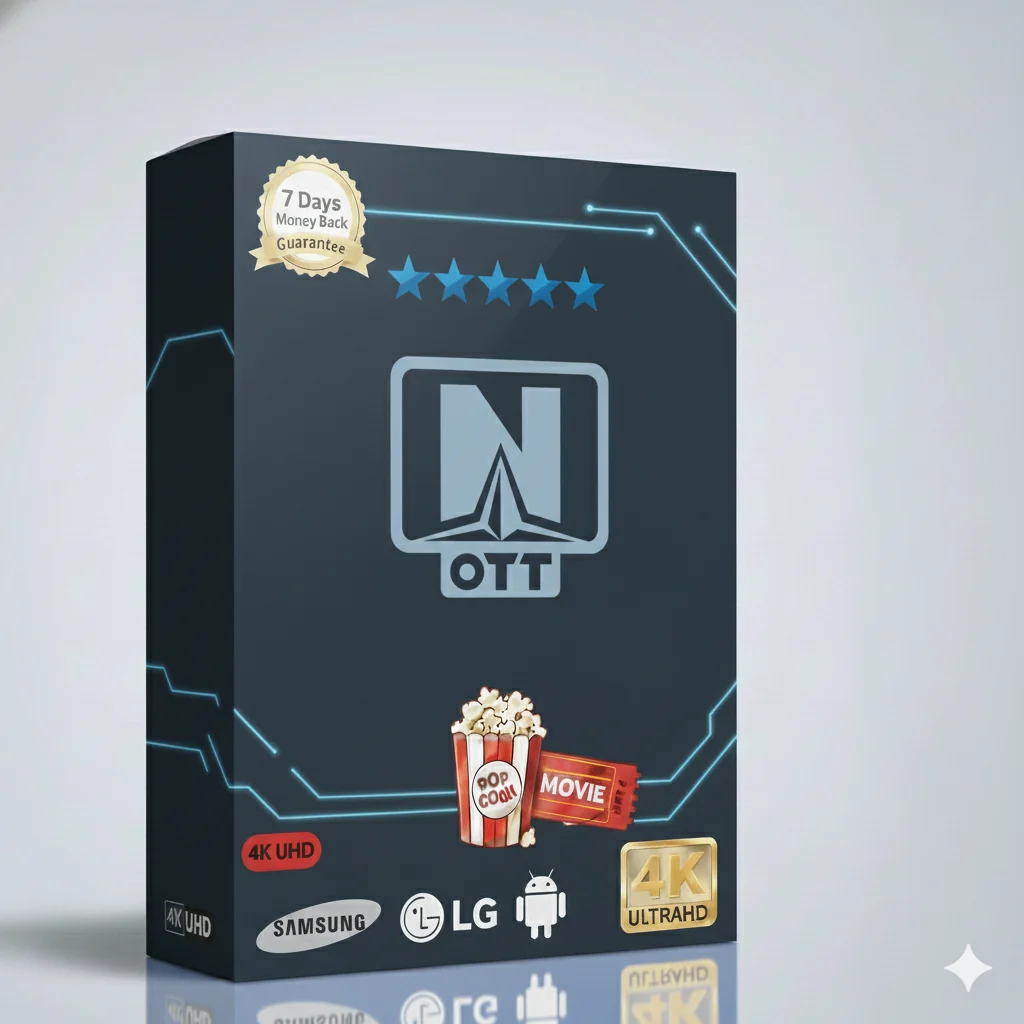
Your one-year pass to a world of entertainment. Watch live TV, sports, movies, and shows in HD. Simple, reliable, and packed with content for everyone in the family.
This is your all-in-one TV service for one full year. You get thousands of live TV channels and a huge video-on-demand library. Everything is in high definition. Watch on your TV, phone, tablet, or computer. It is easy to use and works on many devices.
You can watch the latest movies, live sports games, TV series, news, and cartoons for kids. There is always something good to watch. No more boring TV nights!
This subscription gives you access to many types of content. Here is what you can enjoy:
We bring the world to your screen. The service has channels from many countries. You can watch content from Europe, Asia, the Americas, and more. It is perfect for families with roots in different places.
You also get local channels. This means you can watch regional news and popular shows from your area. It is a great mix of global and local entertainment.
We know our users speak different languages. That is why many channels and movies have multiple audio tracks. You can often choose the language you want to hear.
We also provide subtitles in many languages. This helps if you are learning a new language or if the sound is not clear. It makes watching TV easier and more fun for everyone.
The service is built for a global audience. You will find dedicated channel groups for these regions:
Each region has its popular entertainment, news, and sports channels. You can easily find what you like.
The channels are sorted into easy-to-browse categories. You will not waste time searching. Just pick a category and start watching.
Plus, the Video on Demand (VOD) library has thousands of movies and series. You can watch them anytime you want. It is like having Netflix, but with live TV too.
Choose the plan that fits your budget. The 1-year plan offers the best value. All plans give you full access to all channels and VOD.
| Subscription Plan | Price | Best For |
|---|---|---|
| 1 Month | $9.99 | Trying the service |
| 3 Months | $29.99 | Short-term viewing |
| 6 Months | $39.99 | Great savings |
| 12 Months (1 Year) 🏆 | $49.99 | Best value & most popular |
Want to watch on more than one screen at the same time? Choose a multi-device plan for your home.
Watch your favorite shows anywhere. The service works on almost any device you own.
Smart TV
Android
iOS / Apple TV
Fire TV Stick
Windows / Mac
You can also use it on MAG boxes and other set-top boxes. Installation is quick and easy.
Getting started with your Premium OTT Navigator is simple. Follow these easy steps on your Fire TV Stick (the process is similar for other devices).
Need help? Our support team can guide you. The app is designed to be very user-friendly.
Good customer support is important. We offer help through different channels to solve your questions fast.
Visit our main website here for more information and support resources.
“The sports coverage is amazing. I watch all the football games in HD. The one-year plan saved me a lot of money. Very happy!”
– Mark T.
“We have family in two countries. This service has channels for both. The multi-language audio is perfect for us. Easy to use on our Smart TV.”
– Sofia L.
Do not miss another game, movie, or show. Get the Premium OTT Navigator 1 Year subscription now.
Enjoy HD sports, movies, live channels, and multi-language support on all your devices.
<a href="#" style="display: inline-block; background-color: #ff9800; color: white; padding: 18px 45px; font-size: 1.2em; font-weight: bold; text-decoration: none; border-radius: 50px; box-shadow: 0 6px 0 #e65100; transition: all 0.3s ease;" onmouseover="this.style