
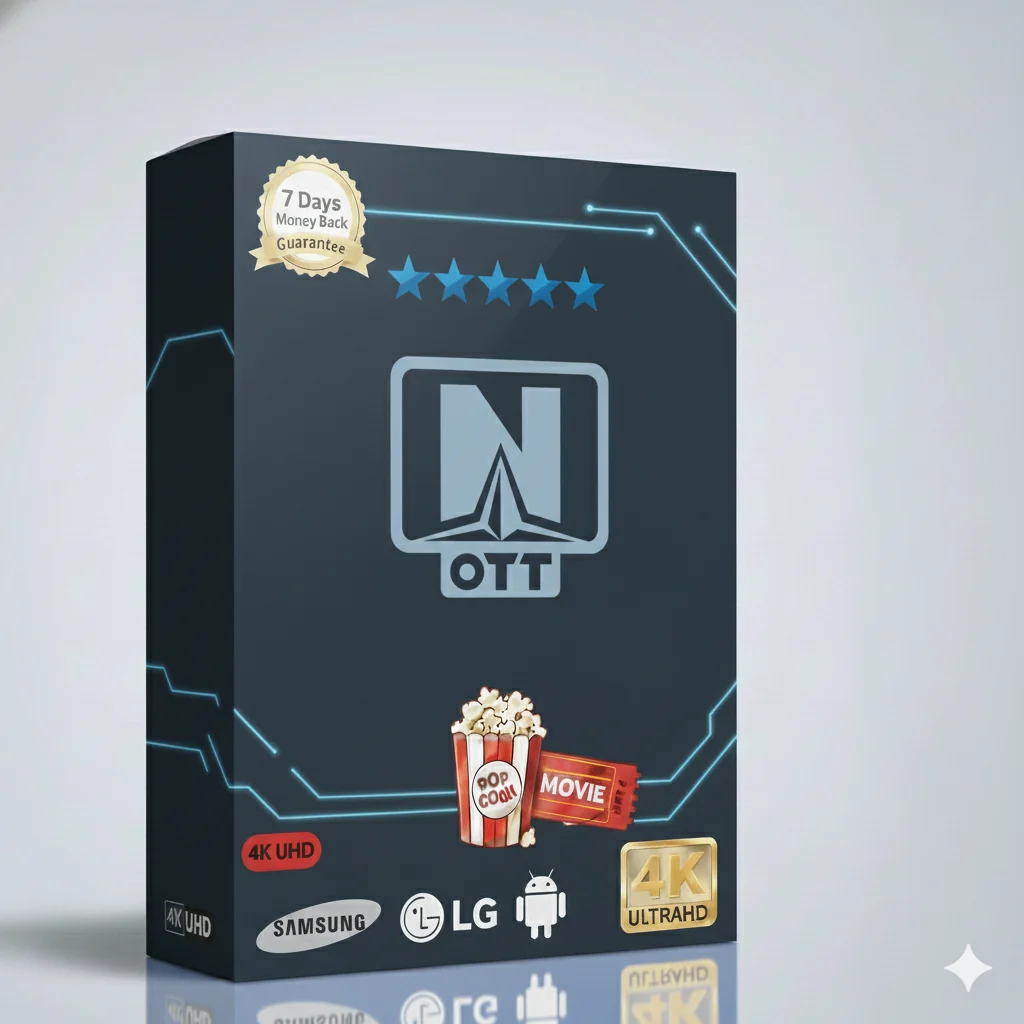
Imagine having all your favorite TV in one place. With the OTT Navigator Yearly IPTV subscription, you get over 10,000 live channels and a huge video-on-demand library. Watch sports, movies, series, news, and kids shows anytime. It is simple, affordable, and works on your favorite devices.
This subscription is packed with content for everyone in the family:
All content is organized for easy browsing. You will always find something great to watch.
There are many IPTV services. So why pick this one? It is built for reliability and ease of use. The service uses strong servers for smooth streaming with less buffering. The OTT Navigator app is known for being user-friendly. Plus, you get a full year of access at a very low price. It is the best value for your money.
Choose the plan that fits your needs. The longer you subscribe, the more you save.
| Subscription Plan | Price | Best For |
|---|---|---|
| 1 Month | $9.99 | Trying the service |
| 3 Months | $29.99 | Short-term viewers |
| 6 Months | $39.99 | Great savings |
| 12 Months (Yearly) | $49.99 | 🤑 BEST VALUE – Most Popular |
| Multi-Device 12 Months 2 Devices: $99.99 5 Devices: $239.99 |
From $99.99 | Families or multiple TVs |
Use your subscription anywhere. It is compatible with:
Smart TV
Fire TV Stick
Android
iPhone / iPad
Getting started is quick and easy. Just follow these simple steps.
Once you have your login details, setting up is simple. Here is how to activate and use your subscription on popular devices.
Activation is instant. You will get an email with your unique Username, Password, and Server URL. Keep this email safe. You will need these details to log in on any device.
Most Smart TVs (Samsung, LG, Sony) can use the OTT Navigator app.
Fire Stick is a very popular way to watch IPTV. Here is a simple guide:
Step 1: From the Fire Stick home, go to Search and type “Downloader”. Install the Downloader app.
Step 2: Open Downloader. In the URL box, enter the official OTT Navigator app download link (you can find it on our website).
Step 3: Download and install the OTT Navigator APK file.
Step 4: Open OTT Navigator, input your login details, and enjoy!
You can also use the popular IPTV Smarters Pro app with your subscription.
We are here to help you from start to finish.
New to IPTV? No problem. The OTT Navigator app is very intuitive. Use the menu to switch between Live TV, Movies, and Series. You can search for content and add favorites. If a channel has a problem, try another one from the same category – our library is huge!
You are never alone. Our customer support team is available 24 hours a day, 7 days a week. If you face any issues with setup, buffering, or login, contact us via the support email or live chat on our website. We help you quickly get back to watching.
Do not miss another game or episode. The OTT Navigator Yearly IPTV subscription gives you the best value with over 10,000 channels, VOD, and reliable service. It works on all your devices and comes with friendly support.
Join thousands of happy viewers. Get unlimited entertainment for less than the price of one movie ticket per month.
Instant Access • 24/7 Support • 10,000+ Channels