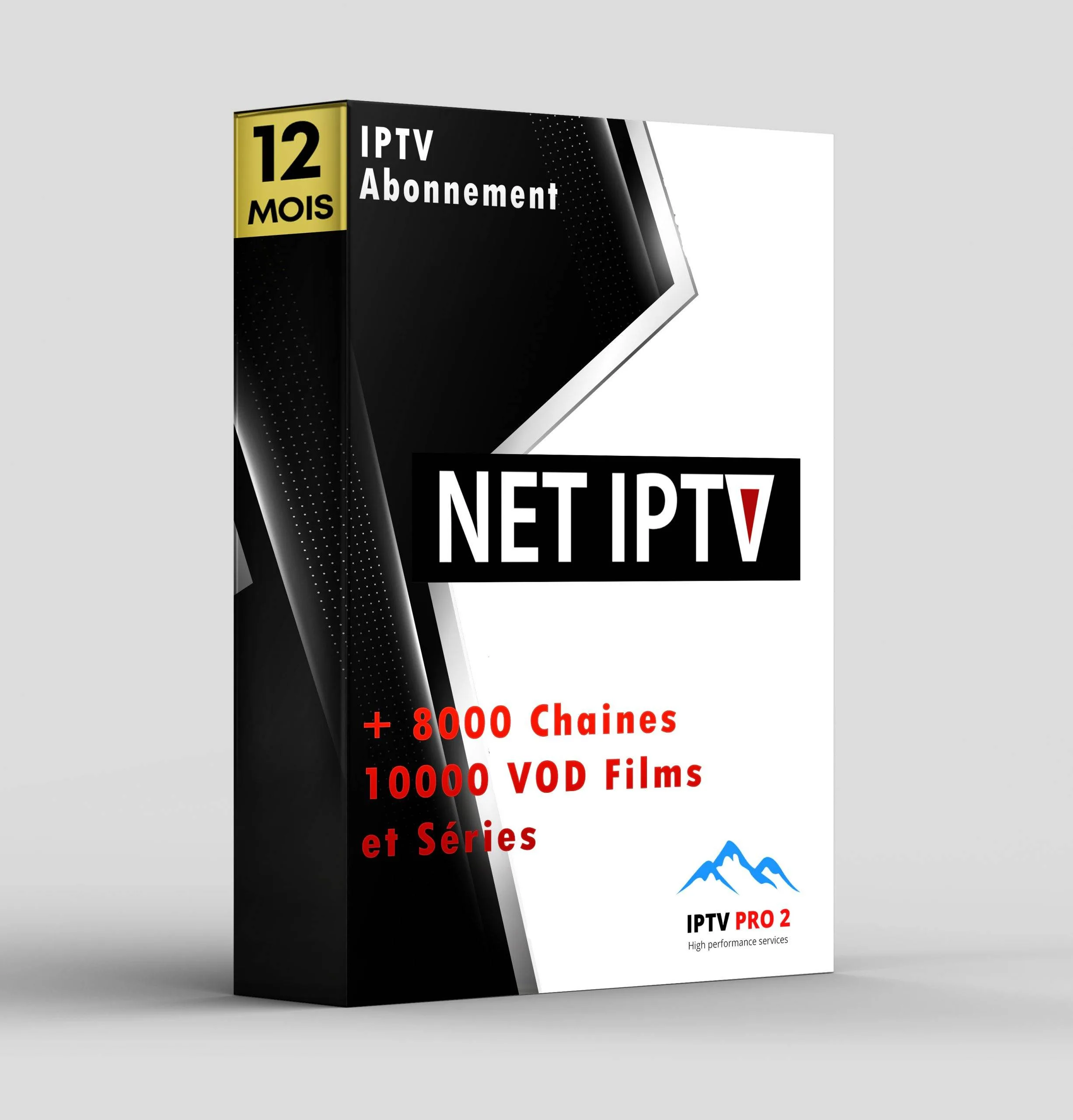
Net IPTV 1 Year Package – Ultimate Samsung LG TV Streaming
Welcome to the best way to watch TV! This Net IPTV package gives you everything you need for one full year. Watch on your Samsung TV, LG TV, or any device. It is simple, fast, and full of great channels. 🎬⚽📺
What Can You Watch?
Your new TV world is here. With this package, you get thousands of channels from many countries. The channels are always updated. Here is what you can watch:
- Live Sports: Football, Tennis, Basketball, and more on premium sports channels.
- Latest Movies: New Hollywood and international movies in HD.
- TV Series: Full seasons of popular shows and dramas.
- Kids Content: Cartoons and fun shows for children, 24/7.
- News Channels: Stay informed with global and local news.
- Documentaries: Nature, science, history, and travel programs.
- Music & Entertainment: Music videos and entertainment shows.
Everything is organized in an easy menu. Find your favorite channel in seconds.
Why Choose This Net IPTV Package?
This is not just another IPTV service. We give you a stable and high-quality stream. Our servers are fast and reliable. You get a full 1-year subscription at a great price. No hidden fees. No surprise charges. Just great TV for you and your family.
Technical & Setup Details
Setting up your IPTV is easy. We give you all the details you need. Follow the simple steps below.
Main Features of the IPTV Service
- HD & FHD Quality: Watch in clear High Definition and Full HD.
- Electronic Program Guide (EPG): See what’s on now and next.
- Video on Demand (VOD): A huge library of movies and series to watch anytime.
- Catch-Up TV: Missed a show? Watch it later with catch-up.
- 24/7 Customer Support: We are here to help if you have questions.
- Regular Updates: New channels and features added often.
Supported Streaming Formats
We support all popular formats. This makes setup very easy.
M3U URL
Perfect for most IPTV apps.
Xtream Codes API
Use your username, password, and server URL.
Portal Login
Some apps let you login directly via portal.
Compatible IPTV Apps
You can use our service with many great apps. Here are the most popular ones:
- IPTV Smarters Pro (Very user-friendly)
- TiviMate (Best for Fire TV Stick and Android TV)
- IBO Player
- Smart IPTV (For Samsung & LG Smart TVs)
- OTT Navigator
- GSE Smart IPTV
- Flix IPTV
- And many more…
Works On Your Devices
Watch on the big screen or on the go. Our service works on almost any device:
Internet Speed Requirements
For the best experience, you need a good internet connection.
| Stream Quality |
Recommended Speed |
| SD Quality |
At least 10 Mbps |
| HD Quality |
At least 20 Mbps |
| FHD / 4K* Quality |
At least 30 Mbps or more |
*4K channels are available where supported.
Recommended Network Setup
For no buffering, connect your TV or device with an Ethernet cable if you can. It is more stable than Wi-Fi. If you use Wi-Fi, make sure your router is close to your device. Restart your router sometimes for a fresh connection.
📋 Quick Setup Guide for TiviMate & IBO Player
Follow these simple steps to start watching on apps like TiviMate or IBO Player.
How to install/use Net IPTV on TiviMate:
- Install TiviMate from the app store on your device.
- Open TiviMate and go to Settings.
- Select Playlists and click “Add Playlist”.
- Choose “Xtream Codes API”.
- Enter the Server URL, Username, and Password we send you after purchase.
- Click “OK”. Your playlist will load. Now you can watch!
How to install/use Net IPTV on IBO Player:
- Install IBO Player from the Google Play Store.
- Open the app and click the Settings (Gear) icon.
- Select “Content Management”.
- Click “Add new source” and choose “M3U URL”.
- Paste the M3U URL link we provide you.
- Give it a name like “My IPTV” and save. Your channels will appear.
Need more help? We have a full video guide below.
Troubleshooting – Common Issues
Sometimes small problems happen. Here is how to fix them fast.
How to Fix Freezing or Buffering
- Check Your Internet: Run a speed test. Make sure your speed is good enough.
- Change the Channel Server: In your IPTV app, sometimes you can choose a different server for a channel. Try that.
- Restart Your Device: Turn your TV box, Fire Stick, or router off and on again.
- Use a VPN: In some cases, your internet provider might slow down streaming. A good VPN can help. We can recommend some.
- Reduce Quality: In the app settings, change the video player or lower the resolution temporarily.
Other Common Fixes
- No Sound or Video? Check if the channel is active. Try another channel. Update your IPTV app.
- Login Not Working? Double-check your username and password. Make sure there are no extra spaces.
- Channels Not Loading? Check if your subscription is still active. Clear the cache of your IPTV app.
If you still have problems, contact our support team. We answer fast.
Video Tutorial Installation
We know some people like to watch and learn. We have easy video tutorials on our website. They show you step-by-step how to set up Net IPTV on Smart TVs, Fire Stick, and phones. Visit our website here to find the videos.
Ready to Start Streaming? Choose Your Plan!
Get the best value with our 1-Year Package. Unlimited entertainment for less than a cup of coffee per month!
1 Month
$9.99
Try it first
BEST DEAL
12 Months
$49.99
Save over 50%!
6 Months
$39.99
Great value
Multi-Device Family Plans (12 Months): 2 Devices: $99.99 | 3 Devices: $149.99 | 5 Devices: $239.99
👉 GET YOUR NET IPTV SUBSCRIPTION NOW 👈
Instant setup after payment. 24/7 support. Secure payment.
Final Call-to-Action</