
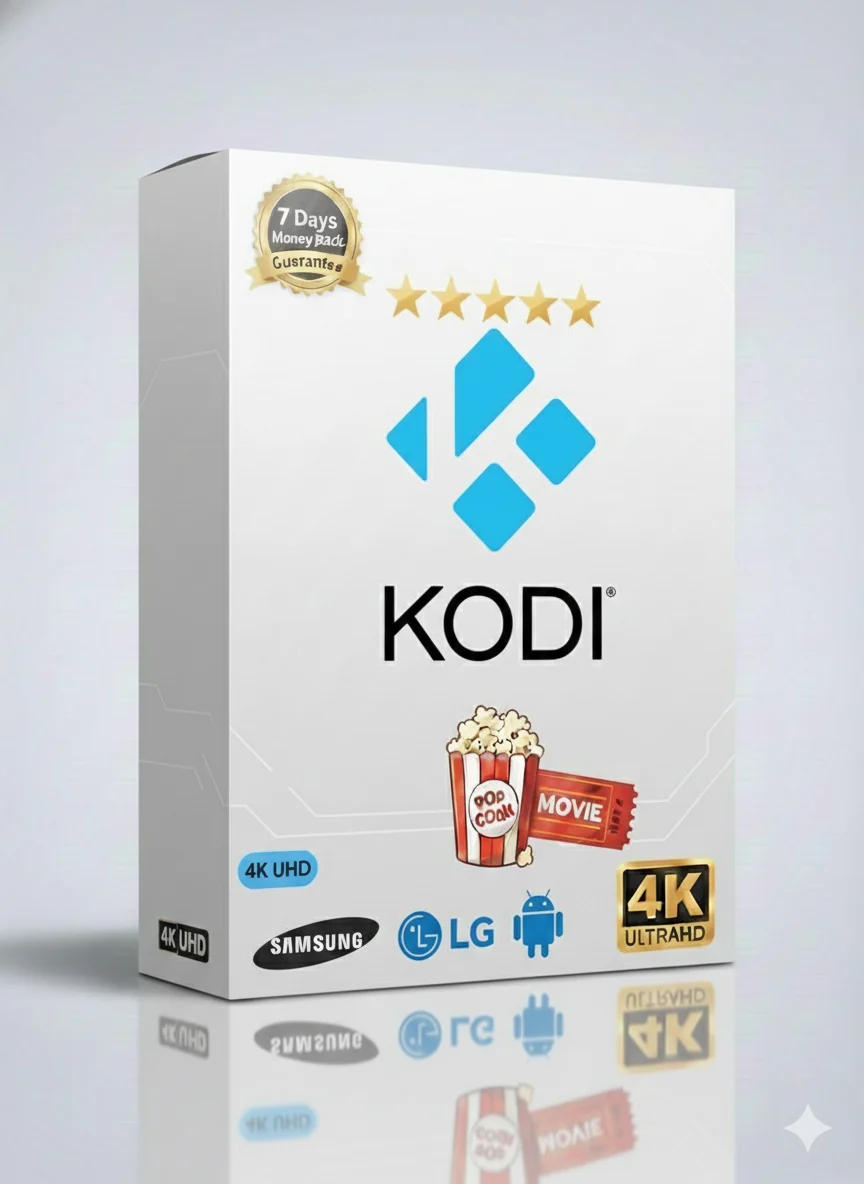
Get the best IPTV service for your Kodi device. Watch everything in 4K quality. Enjoy live TV, movies, series, and sports for 12 full months. It is simple and works great.
This is your all-in-one entertainment package. It works perfectly with Kodi. You get a full year of unlimited access. Watch live TV from around the world. Stream thousands of movies and TV series on demand. Never miss a big sports game again. Everything is in stunning 4K quality where available. It is the complete package for your whole family.
This package has channels for everyone. You will find:
It is like having a giant world TV in your living room.
Why is this the best choice for Kodi users? Here are the key features:
After payment, your account is ready in minutes. No waiting. Start watching right away.
See what’s on now and next. Plan your viewing with a clear TV guide.
Missed a show? No problem. Watch programs from the last few days with catch-up.
You get access to a huge list of live channels. This includes general entertainment, music, lifestyle, and more. The channels are stable and have very few interruptions. You can watch popular shows as they air live.
The video-on-demand library is massive. It is updated weekly with the latest movies and complete TV series seasons. You can search by genre, year, or popularity. It is like having Netflix, but with much more content.
This is a dream for sports fans. Access premium sports channels that broadcast major leagues and tournaments. Watch live football matches, tennis grand slams, NBA games, and pay-per-view events. All in high definition.
Quality is a top priority. Most channels and VOD content are in Full HD (1080p). A large selection is available in ultra-clear 4K resolution. The service adapts to your internet speed to give you the best picture without buffering. For a great experience, we recommend a stable internet connection of at least 25 Mbps.
Choose the plan that fits your needs and budget. The 12-month plan offers the best value.
| Subscription Plan | Price | Best For |
|---|---|---|
| 1 Month | $9.99 | Trying the service |
| 3 Months | $29.99 | Short-term viewers |
| 6 Months | $39.99 | Good savings |
| 12 Months (BEST VALUE) | $49.99 | Long-term entertainment |
Want to watch on more than one screen at the same time? We have special family plans.
Perfect for sharing with family in different rooms or for your home and office.
Use your subscription on almost any device. The service works with:
And of course, it is perfectly optimized for Kodi. You can install it as an add-on.
Getting started is easy. Follow these simple steps to install this IPTV service on your Kodi.
First, visit the official website and choose your 12-month plan. After payment, you will get your login details (username, password, and server URL) by email.
Restart Kodi. You will now see a “TV” or “Live TV” option in the main menu. Click it to see all your live channels and start watching!
Need help? The service includes free remote installation support. A technician can help you set it up via TeamViewer or AnyDesk.
“The 4K quality on my Kodi box is amazing. The sports channels never buffer during big games. Best value for money.”
– Mark T.
“I got it for the movies, but my kids love the cartoon channels. Easy to install with the guide. Customer support is fast.”
– Sarah L.
Stop paying for multiple streaming services. Get everything in one place with the Best Kodi IPTV 12 Months package.
👉 GET YOUR 12-MONTH SUBSCRIPTION NOW
✔ 7-Day Money-Back Guarantee ✔ 24/7 Support ✔ Instant Activation