
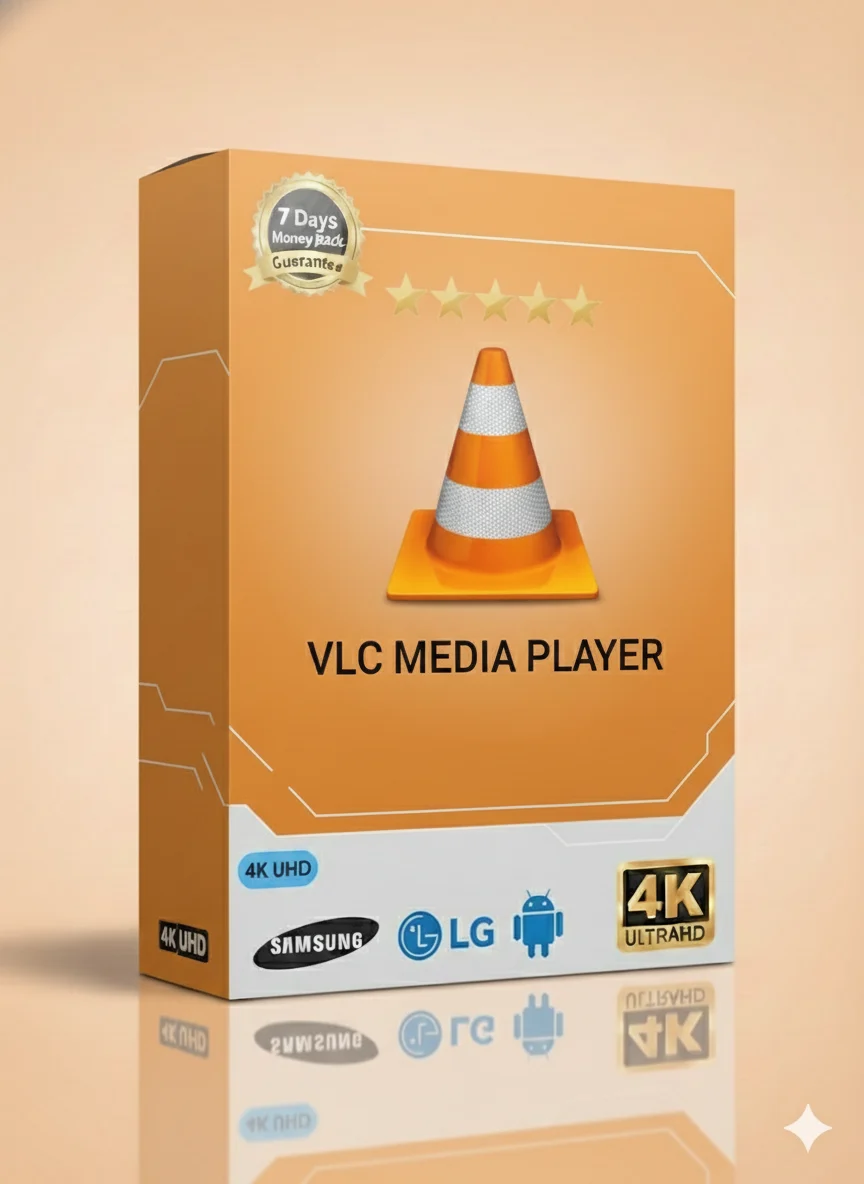
VLC 1 Year IPTV Package – Ultimate Versatile Streaming

VLC 1 Year IPTV Package – Ultimate Versatile Streaming

Description

VLC 1 Year IPTV Package – Ultimate Versatile Streaming

Get the best TV experience for one full year. Watch everything you love in one place. Sports, movies, news, and shows for kids. All with a simple setup.

What Can You Watch With This IPTV Package? 🎬⚽

Your new TV package is full of entertainment. You will never be bored. Here is what you get:

Live Sports Channels

Watch football, tennis, basketball, and more. Never miss a big game. All premium sports channels are included.

Latest Movies & Series

Watch new movies and full TV series. Big collections for action, comedy, drama, and more. Updated daily.

News & Kids Content

Stay updated with 24/7 news channels. Keep children happy with cartoons and fun educational shows.

Main Features of This IPTV Service ✨

This is not a normal TV service. It is made for modern viewers. Here are the key features:

  • Massive Channel List: Thousands of live TV channels from around the world.
  • Video on Demand (VOD): A huge library of movies and TV series to watch anytime.
  • Electronic Program Guide (EPG): See what’s on now and next, just like regular TV.
  • High Quality: Stream in Full HD, HD, and SD. Clear picture and sound.
  • Reliable Service: Stable servers for less buffering and more watching.
  • One Year Access: A full 12 months of entertainment with one simple payment.

Works With Your Devices & Apps 📱

Use this IPTV on almost any device you own. It is very flexible.

Compatible Devices

You can watch on:

  • Smart TVs (Samsung, LG, Android TV)
  • Android Phones & Tablets
  • Apple iPhone & iPad
  • Amazon Fire TV Stick
  • Mag/Enigma Boxes
  • Windows & Mac Computers

Supported IPTV Apps

Use your favorite app to watch. We support all popular ones:

IPTV Smarters Pro
TiviMate
IBO Player
VLC Media Player
Perfect Player

Supported Streaming Formats

Easy connection with standard formats:

  • M3U URL: The classic playlist link for most apps.
  • Xtream Codes API: For apps like Smarters Pro. Use username, password, and server URL.
  • Portal/Stalker: For MAG boxes and similar devices.

Technical & Setup Details ⚙️

Let’s make sure your setup is perfect for smooth streaming.

Internet Speed Requirements

You need a good internet connection. Here is what we recommend:

Stream Quality Minimum Speed Recommended Speed
SD (Standard Definition) 5 Mbps 10 Mbps
HD (High Definition) 10 Mbps 20 Mbps
FHD (Full HD) 15 Mbps 25+ Mbps

Recommended Network Setup

  • Use Wired Connection (Ethernet): For the most stable stream, connect your device directly to the router with a cable.
  • Good Wi-Fi: If using Wi-Fi, make sure your device is close to the router. Use the 5GHz band if possible for less interference.
  • Router Restart: Restart your router once a week. This can fix many small internet problems.

Quick Guide: How to Setup on Firestick & Android TV 📺

Setting up your VLC 1 Year package is easy. Follow these simple steps for Firestick or Android TV.

Step-by-Step Installation

Step 1: Get Your IPTV App

Go to the search on your Firestick/Android TV. Search for “Downloader”. Install it. Open Downloader and type the code to download your chosen IPTV app (like Smarters Pro or TiviMate).

Step 2: Enter Your Service Details

Open the IPTV app. You will see options like “Xtream Codes API” or “M3U URL”. Choose one.

  • For Xtream Codes: Enter the username, password, and server URL we send you after purchase.
  • For M3U URL: Paste the full M3U link we provide.

Step 3: Start Watching!

Click “Add User” or “Load Playlist”. The app will load all your channels and movies. Now you can explore and watch.

Need more help? We have a full video guide below.

Fixing Common Problems 🔧

Sometimes small issues happen. Here are easy fixes.

Troubleshooting – Common Issues

  • Channels Not Loading: Check your internet connection. Restart your device and router.
  • Login Failed: Double-check your username, password, and server URL. They are case-sensitive.
  • No EPG (TV Guide): The guide loads separately. Wait a few minutes or restart the app.

How to Fix Freezing or Buffering

Buffering can be annoying. Try these steps:

  1. Check Your Internet Speed: Use a website like speedtest.net. Make sure you have the recommended speed.
  2. Change Streaming Server: In your app settings, you might find an “Option” or “Load Balance” menu. Try a different server location.
  3. Reduce Video Quality: In the player, change from “FHD” to “HD” or “SD”. This uses less internet.
  4. Use a VPN: Sometimes your internet provider slows down streaming. A good VPN can help. We can recommend some.

Watch Our Video Installation Guide 🎥

We know some people prefer to watch and learn. We have made a simple video guide for you.

Video Tutorial Coming Soon!

Our easy-to-follow video will show you how to install and setup your VLC 1 Year IPTV package on any device. Check back here or on our main website for the link.

Choose Your Plan & Start Watching Today! 🛒

Get the best value with our 1-year package. One payment, 12 months of entertainment.

1 Month

$9.99

Try the service. Short-term access.

1 YEAR – BEST OFFER

$49.99

Full year of access. Save over 50%! The most popular choice.

Multi-Device 12mo

From $99.99

For 2 to 5 devices. Perfect for family.

We also have 3-month ($29.99) and 6-month ($39.99) plans for more flexibility.

Ready for the Ultimate TV Experience?

Join thousands of happy users. Get your VLC 1 Year IPTV Package now.

<a href="https://iptv-smarterspro.org/" style="display: inline-block; background: #ff9800; color: white; padding: 18px 45px; text-decoration: none; font-size: 1.3em; font-weight: bold; border-radius: 50px; margin-top: 20px; box-shadow: 0 5px 15px rgba(0,0,0,0.2); transition: all 0.3s ease;" onmouseover="this.style.backgroundColor='#ffb74d'; this.style.transform='scale(1.05)';" onmouseout="this.style.backgroundColor='#ff9800';

Related Services

Subscription for IPTV