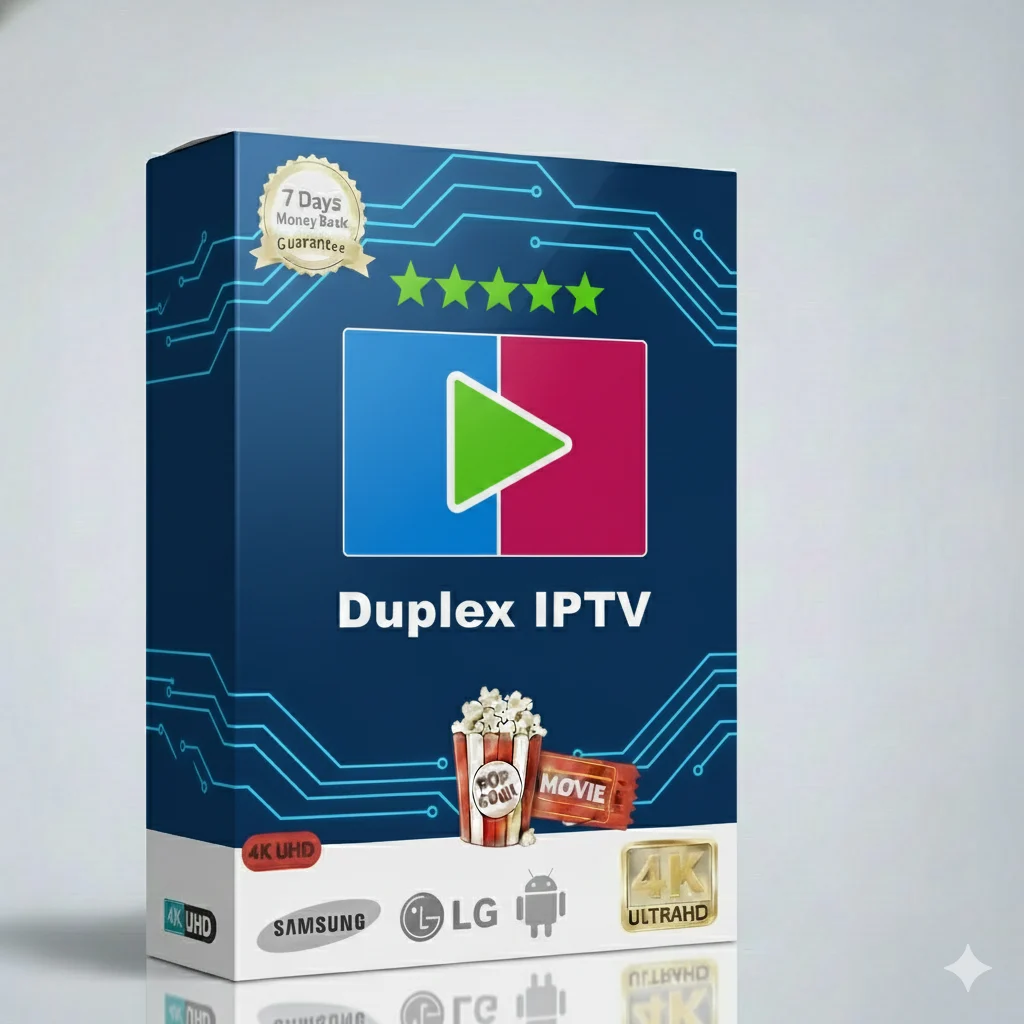
Duplex IPTV 1 Year Package – Your Ultimate Entertainment Bundle
Imagine one place for all your favorite shows, movies, and sports. The Duplex IPTV 1 Year Package gives you that. It is your key to a world of entertainment. Watch anything you want, anytime you want. This bundle is made for easy viewing and great value.
🎬 What Can You Watch with Duplex IPTV?
This package is filled with content for everyone in your family. You will never run out of things to watch.
- Live TV Channels: News from around the world, local channels, and more.
- Premium Sports: Football, tennis, basketball, and all major live games.
- Latest Movies: New blockbusters and classic films in HD.
- TV Series: Full seasons of popular shows and binge-worthy dramas.
- Kids Content: Cartoons, educational shows, and fun channels for children.
- Documentaries: Nature, history, science, and true crime series.
All content is organized in an easy menu. Find what you love in seconds.
Why Choose the Duplex IPTV 1 Year Bundle?
Many people ask why this package is special. Here is the simple answer: it gives you more for less. You get a stable service, clear pictures, and support for many devices. It is the best choice for reliable home entertainment.
Main Features of the Duplex IPTV Service
📡 High-Quality Streams
Enjoy Full HD and stable streams. We use strong servers to reduce buffering.
⏱️ Catch-Up TV & EPG
Missed a show? Use Catch-Up to watch it later. The TV guide (EPG) shows you the schedule.
💾 Vast Video on Demand (VOD)
A huge library of movies and series. Pick and play instantly, no waiting.
Technical & Setup Details
Setting up your Duplex IPTV is simple. Here are the technical details you need to know.
Supported Streaming Formats
We support all common formats for easy setup:
- M3U URL: The classic playlist link for many apps.
- Xtream Codes API: For apps like Smarters. You enter your username, password, and server URL.
- Portal Login: Some apps use a simple portal login method.
After you buy, you will get all these details in your email.
Compatible IPTV Apps
Use your favorite app to watch. Our service works with:
- IPTV Smarters Pro
- TiviMate
- IBO Player
- Perfect Player
- OTT Navigator
- And many more…
You can use these apps on almost any device.
Device Compatibility
Watch Duplex IPTV on your big screen or your phone. Here is the list:
| Device Type |
Examples |
| Smart TVs |
Samsung, LG, Android TV |
| Streaming Devices |
Amazon Fire Stick, Fire TV, NVIDIA Shield |
| Phones & Tablets |
Android, iOS (iPhone, iPad) |
| Computers |
Windows PC, Mac (using VLC or Kodi) |
Internet Speed Requirements
For a smooth experience, you need a good internet connection.
- SD Quality: At least 10 Mbps.
- HD Quality (Recommended): At least 25 Mbps.
- For multiple devices at home, a faster connection (50+ Mbps) is better.
Use a wired Ethernet connection for your TV box if you can. It is more stable than Wi-Fi.
📺 Quick Guide: How to Install Duplex IPTV on Firestick
Follow these simple steps to start watching on your Amazon Firestick.
- From the Firestick home, go to Settings > My Fire TV > Developer Options.
- Turn ON “Apps from Unknown Sources”.
- Go back to the home screen and search for “Downloader”. Install the app.
- Open Downloader. Enter this URL to download IPTV Smarters Pro:
https://bit.ly/smartersiptv
- Install the app when the download finishes.
- Open IPTV Smarters Pro. Select “Login with Xtream Codes API”.
- Enter the Username, Password, and Server URL from your Duplex IPTV welcome email.
- Click “Add User”. Your playlist will load. Now you can watch!
Need help? Visit our main website for more guides and support.
Troubleshooting Common Issues
Sometimes, small problems happen. Here is how to fix them fast.
How to Fix Freezing or Buffering
If your stream stops or buffers a lot, try these steps:
- Check your internet speed. Use a website like speedtest.net. Make sure you have at least 25 Mbps.
- Restart your router and device. Turn them off, wait 30 seconds, and turn them on again.
- Use a wired connection for your TV box instead of Wi-Fi.
- Change the video player inside your IPTV app settings. Try “VLC” or “EXO Player”.
- Clear the cache of your IPTV app (in device settings > Apps).
Other Common Problems
- Login not working: Double-check your username and password. They are case-sensitive.
- No channels loading: Make sure your subscription is active. Check your internet connection.
- No sound or video: Try a different channel. If it works, the problem is with that specific stream.
For more help, we have video tutorials on our website.
Duplex IPTV Pricing – Choose Your Plan
Get the best value with our long-term plans. The 1-year bundle gives you the lowest monthly cost.
| Subscription Plan |
Total Price |
Best For |
| 1 Month Plan |
$12.99 |
Trying the service |
| 3 Months Plan |
$17.99 |
Short-term viewing |
| 6 Months Plan |
$24.99 |
Good savings |
| 🚀 1 Year Package (Ultimate Bundle) |
$34.99 |
BEST VALUE – Less than $2.92/month! |
Multi-Device Plans for the Whole Family
Want to watch on more than one screen at the same time? Choose a multi-device plan.
- 2 Devices (12 Months): $59.99
- 3 Devices (12 Months): $89.99
- 5 Devices (12 Months): $144.99
Perfect for families with multiple TVs, phones, and tablets.
Ready for Unlimited Entertainment?
Join thousands of happy users. Get your Duplex IPTV 1 Year Package today!
👉 GET YOUR PACKAGE NOW
Instant setup • 24/7 Support • All Devices • No Hidden Fees
Duplex IPTV 1 Year Package – The smart choice for non-stop movies, sports, and shows. Your ultimate entertainment bundle is just one click away.