
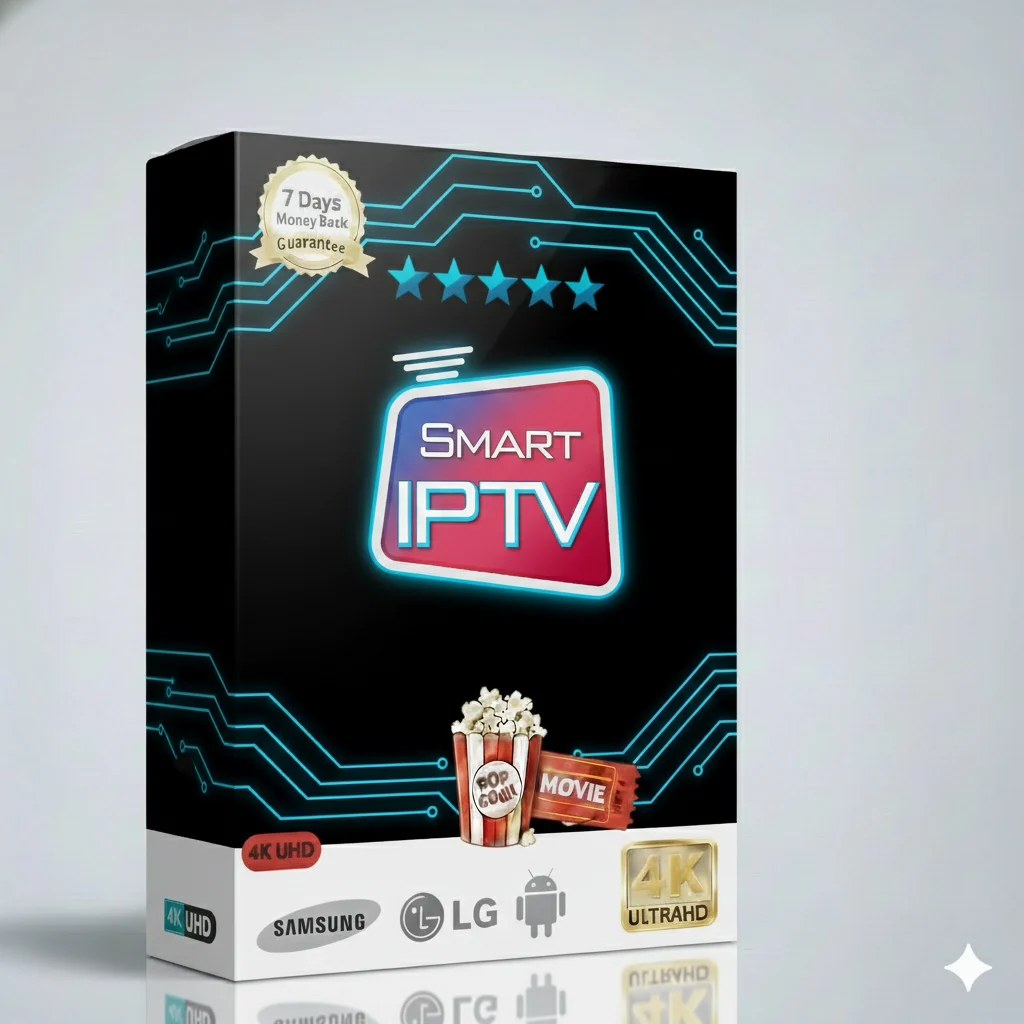
Watch everything you love in one place. The best subscription for your Smart TV.
Welcome to your new favorite way to watch TV. This Smart IPTV subscription is made for you. It works perfectly on Samsung and LG Smart TVs. You get over 15,000 live TV channels and more than 60,000 movies and series. All in one simple app. No more switching between different apps. Everything is here.
You can watch live sports, the latest movies, TV series, news, and cartoons for kids. The picture is very clear. It works on many devices. But it is the best choice for your Smart TV. The subscription is for 12 months. It is a great price for so much content.
When you buy this 12-month plan, you get a full package. Here is what is inside:
This service has many smart features. They make watching TV easy and fun.
The app is very simple. You can find channels and movies quickly. The menu is clean. Your family can use it without help.
We use strong servers. This means less buffering and fewer stops. Your stream starts fast and plays smoothly.
Your connection is secure. We do not keep your watching history. You can enjoy TV with peace of mind.
We add new channels and fix issues often. The service gets better all the time. You always have the best experience.
Select the plan that fits your needs. The 12-month plan is the most popular. It offers the best value.
| Subscription Plan | Price | Best For |
|---|---|---|
| 1 Month | $12.99 | Trying the service |
| 3 Months | $17.99 | Short-term viewing |
| 6 Months Good Deal | $24.99 | Great savings |
| 12 Months BEST VALUE | $34.99 | Best price per month |
| Multi-Device 12 Months (2-5 devices) | $59.99 – $144.99 | Families or multiple rooms |
You will never run out of things to watch. The package includes channels for News, Sport, Movies, Series, and Kids content. Here are the main categories:
Enjoy a crystal-clear picture. The quality adapts to your internet speed.
Clear picture for all channels.
Sharp detail for sports and movies.
Ultra-clear quality where available.
You need a good internet connection for the best quality. We recommend at least 15 Mbps for HD and 25 Mbps for 4K.
This IPTV subscription is made for Samsung and LG Smart TVs. But you can also use it on many other devices. Watch anywhere.
Smart TVs
Samsung, LG, Sony, Android TV
Phones & Tablets
Android, iOS (iPhone, iPad)
Streaming Sticks
Amazon Fire Stick, Fire TV
Computers
Windows PC, Mac
Getting started is easy. Follow these simple steps to install the Smart IPTV app on your TV.
Need help? Our support team can guide you. Contact details are below.
Our customer support team is ready to assist you. We want you to have the best experience.
📧 Email Support: Send us an email anytime. We reply within a few hours.
💬 Live Chat: Use the chat button on our website for instant help.
📖 Help Guides: Find setup guides and FAQs on our main website.
We help with installation, payment issues, and any questions about the service. Your satisfaction is important to us.