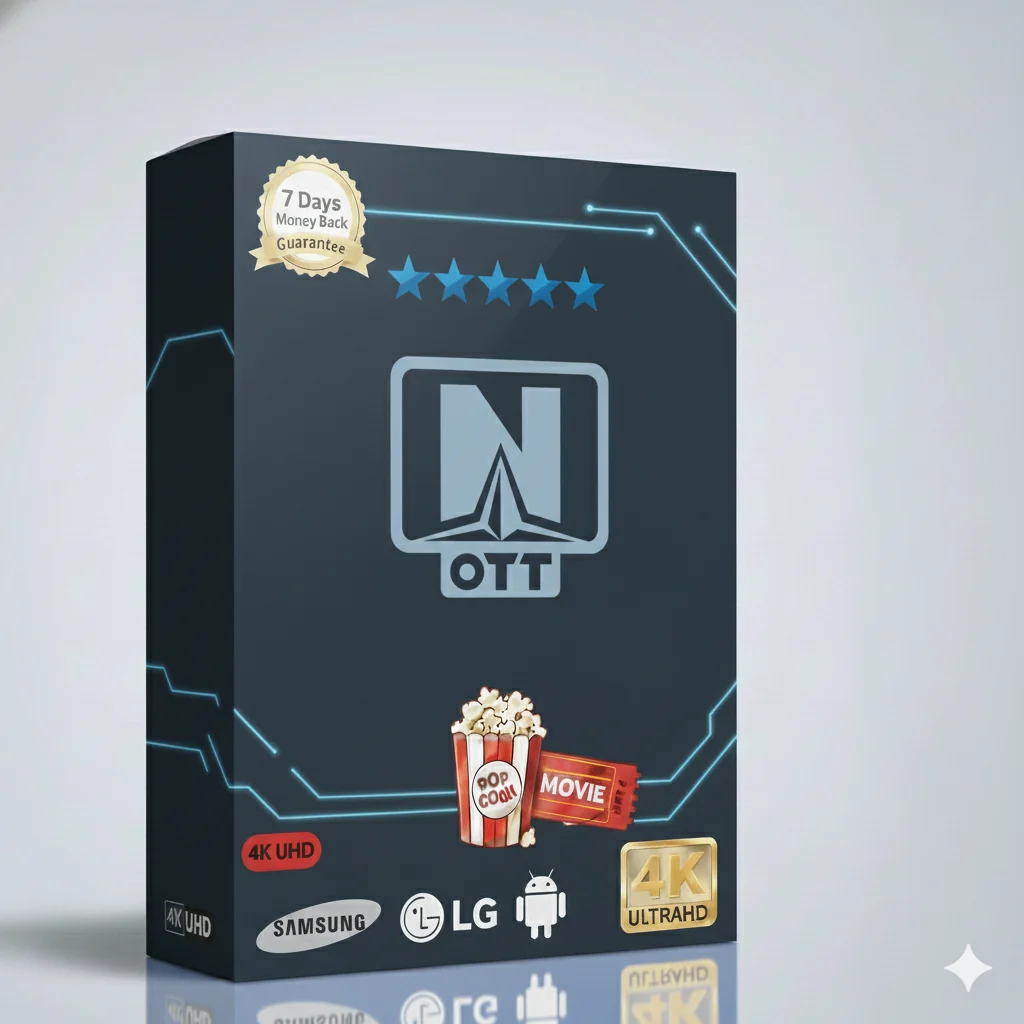
OTT Navigator 1 Year Subscription – Your Ultimate IPTV Experience
Welcome to the best way to watch TV! With the OTT Navigator 1 Year Subscription, you get everything you love in one place. Watch live sports, the newest movies, exciting series, cartoons for kids, and news from around the world. All in high quality and easy to use.
🎯 What Can You Watch?
Your new IPTV service is packed with channels for everyone in the family:
- ✅ Live Sports: Football, Tennis, Basketball, and more on premium sports channels.
- ✅ Movies & Series: Thousands of the latest movies and full TV series on demand.
- ✅ Kids & Family: Safe and fun cartoon and family channels for children.
- ✅ News & Documentaries: Stay informed with global news channels and learn with documentaries.
- ✅ Entertainment: Music, lifestyle, and general entertainment channels.
- ✅ High Quality: Enjoy Full HD and stable streams for a great picture.
Why Choose This OTT Navigator Subscription?
This is not just another IPTV service. The OTT Navigator 1 Year Subscription gives you stability, quality, and support for a full year. You get access to a huge list of channels and videos. The service works smoothly with many popular apps. It is the smart choice for reliable entertainment.
Main Features of Your IPTV Service
📡 Stable & Reliable
Our servers are built for speed and uptime. Say goodbye to constant buffering and hello to smooth viewing.
🔄 Electronic Program Guide (EPG)
See what’s on now and next with a clear TV guide. Plan your watching easily.
💾 Catch-Up & Recording
Missed your show? Use catch-up to watch it later. Some setups even let you record live TV.
Technical & Setup Details
Setting up your service is simple. Here is all the technical information you need.
Supported Streaming Formats (M3U, Xtream, Portal)
Your subscription works with the standard formats. You can use the common M3U playlist link or the Xtream Codes API login (username, password, server URL). This makes it compatible with almost all IPTV apps.
Compatible IPTV Apps & Devices
Use your subscription on any device you own! Popular apps that work perfectly include:
- OTT Navigator (The app this subscription is named for!)
- IPTV Smarters Pro
- TiviMate (A favorite for many users)
- IBO Player
- Perfect Player, VLC, and many more.
Devices you can use: Android TV Box, Amazon Fire TV Stick, Smart TVs (Android TV, Samsung, LG), Android phones/tablets, iOS devices, and Windows/Mac computers.
Internet Speed & Recommended Network Setup
For the best experience, you need a good internet connection.
- Minimum Speed: 15 Mbps for stable HD streaming.
- Recommended Speed: 25 Mbps or higher for the best quality and multi-device use.
- Tip: For the fewest problems, connect your device (like Fire Stick) directly to your router with an Ethernet cable instead of using Wi-Fi.
📺 Quick Guide: How to Install on Firestick or Android TV
Follow these simple steps to start watching:
- Go to the Search icon on your Firestick home and find the “Downloader” app. Install it.
- Open Downloader. In the URL box, type the link to download your chosen IPTV app (like IPTV Smarters Pro from the official site).
- Download and install the app. You may need to allow installations from “Unknown Sources” in your device settings.
- Open the IPTV app. Select “Login with Xtream Codes API”.
- Enter the username, password, and server URL that we will send you after you buy the subscription.
- Click “Add User” and start watching your channels!
Need help? We provide full setup support after your purchase.
Troubleshooting Common Issues
Most problems are easy to fix. Here are quick solutions.
How to Fix Freezing or Buffering
- Check Your Internet: Run a speed test on your device. If it’s slow, restart your router.
- Change the Channel Stream: Sometimes a specific stream is busy. In your app, try a different channel source or quality (e.g., switch from FHD to HD).
- Use a VPN: If your internet provider is slowing down IPTV traffic, a good VPN can often solve buffering.
- Close Other Apps: Make sure no other apps are using your internet in the background.
Other Common Fixes
- No Sound or Picture? Force stop the app and open it again, or restart your device.
- Channels Not Loading? Check if your subscription is still active. Then, check your login details are correct.
- EPG (TV Guide) Not Showing? The guide data might need to reload. Go to the app settings and refresh the EPG.
Choose Your OTT Navigator Plan & Price
Get the best value with our long-term plans. The 1-year subscription is the most popular for its great price.
| Subscription Plan |
Price |
Best For |
| 1 Month |
$12.99 |
Trying the service |
| 3 Months |
$17.99 |
Short-term users |
| 6 Months |
$24.99 |
Good savings |
| ⭐ 12 Months (1 Year) |
$34.99 |
Best Value & Most Popular |
Multi-Device 12 Months
(2-5 devices) |
$59.99 – $144.99 |
Families or multiple TVs |
Ready for the Ultimate TV Experience?
Stop paying too much for cable. Get thousands of channels and on-demand videos for a small price.
👉 Get Your OTT Navigator Subscription Now!
Instant delivery • 24/7 Support • All Devices • Secure Payment
For more information about our services and other great offers, visit our main website: IPTV Smarters Pro.