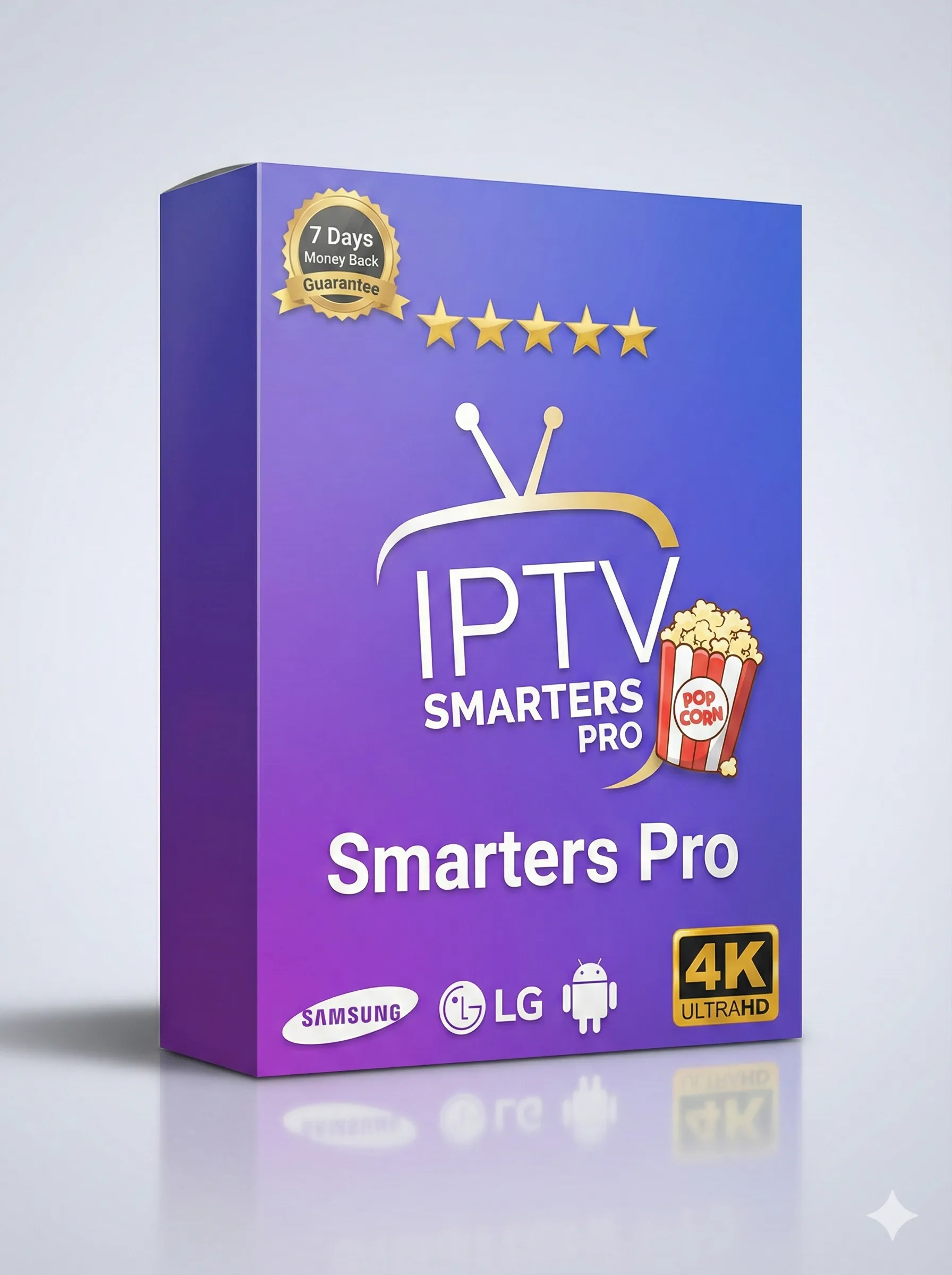
IPTV Smarters Pro 1 Year Subscription – Your Ultimate Entertainment Bundle
Welcome to the best way to watch TV. The IPTV Smarters Pro 1 Year Subscription gives you everything you want. Watch live TV, movies, and shows on all your devices. It is simple, reliable, and packed with content.
🎯 What Can You Watch?
Your new TV is here! With one subscription, you open a world of entertainment:
- Live Sports: Never miss a game. Watch football, tennis, basketball, and more on premium sports channels.
- Latest Movies: New blockbusters and classic films are available anytime.
- TV Series: Binge-watch popular series from around the world.
- Kids Channels: Safe and fun cartoons and shows for children.
- News Networks: Stay updated with 24/7 news channels.
- Documentaries: Explore nature, history, and science.
All content is organized in an easy menu. Find what you love to watch in seconds.
Why Choose This IPTV Smarters Pro Subscription?
Many people use IPTV. But this subscription is special. Here is why:
- Made for Smarters Pro: This subscription works perfectly with the IPTV Smarters Pro app. Setup takes only 2 minutes.
- Stable & HD Quality: We use strong servers to reduce buffering. Enjoy clear HD and Full HD streams.
- Always Updated: Channels and the electronic program guide (EPG) are updated regularly. You always have the correct TV schedule.
- Great Value: One low price for a full year of unlimited entertainment. It is cheaper than monthly cable TV bills.
📺 Works on All Your Devices
Watch at home or on the go. This service works on almost any device you own:
You can also use other popular apps like TiviMate, IBO Player, Perfect Player, and more. It is very flexible.
🔧 Technical & Setup Details
We keep the technical part simple. Here is what you need to know.
Supported Streaming Formats
Your subscription gives you different ways to connect. This makes setup easy:
- M3U URL/Link: The classic method. Works with almost all IPTV apps.
- Xtream Codes API: The best method for Smarters Pro and similar apps. You enter your username, password, and server URL.
- Portal Login: Some apps use a simple portal login. We support that too.
After you buy, you get login details for all these formats in your email.
Internet Speed Requirements
For a good experience, you need a stable internet connection:
- SD Quality: Minimum 5 Mbps.
- HD Quality (Recommended): 15-25 Mbps.
- Full HD / 4K: 25+ Mbps.
We suggest using a wired Ethernet connection for your TV box or Fire Stick. It is more stable than Wi-Fi.
💡 Recommended Network Setup
Follow these tips for the best streaming with no buffering:
- Place your Wi-Fi router close to your TV device.
- If possible, connect your device (like Fire Stick) directly to the router with an Ethernet cable.
- Restart your router once a week. This clears the memory and can improve speed.
- If many people use your internet, try watching during off-peak hours for the best quality.
🛠️ Quick Guide: How to Install on Firestick & Android
Getting started is easy. Here is a simple guide for the IPTV Smarters Pro app:
Step-by-Step Setup for IPTV Smarters Pro
- Download the App: On your Firestick or Android device, go to the app store. Search for “IPTV Smarters Pro” and install it.
- Open the App: Launch IPTV Smarters Pro. Click on “Login” and select “Xtream Codes API”.
- Enter Your Details: Type in the username, password, and server URL from the email we sent you. You can find these in your “Welcome” email after purchase.
- Enjoy TV: Click “Add User”. The app will load your live TV, movies, and series. Start watching!
For other apps like TiviMate or IBO Player, the process is similar. You use the M3U link or Xtream Codes from your email.
❓ Troubleshooting – Fix Common Issues
Sometimes small problems happen. Here are easy fixes.
How to Fix Freezing or Buffering
If your stream stops or buffers a lot, try these steps:
- Check Your Internet: Run a speed test on your device. Make sure your speed is good enough (see requirements above).
- Change the Channel: Go to another channel and then come back. Sometimes this resets the stream.
- Change Video Player: Inside your IPTV app settings, try changing the video player from “Native” to “VLC” or “EXO Player”.
- Restart Everything: Close the app, restart your device (Firestick, box, etc.), and restart your router. Then try again.
Most buffering problems come from the user’s internet, not our service. These steps fix 95% of issues.
Other Common Issues
- Login Failed: Double-check your username, password, and server URL. They are case-sensitive.
- No Sound or Video: Make sure your device volume is up. Try a different channel to see if the problem is only with one channel.
- EPG (TV Guide) Missing: The guide loads automatically. If it is empty, go to the app settings and refresh the EPG.
💰 Simple & Affordable Pricing Plans
Choose the plan that fits your life. The 1-year plan offers the best value.
| Subscription Plan |
Price |
Best For |
| 1 Month |
$12.99 |
Trying the service |
| 3 Months |
$17.99 |
Short-term viewers |
| 6 Months |
$24.99 |
Good savings |
| 12 Months (BEST VALUE) |
$34.99 |
Unlimited entertainment for a year |
Multi-Device Plans (12 Months): Watch on 2 to 5 screens at the same time. Perfect for families.
2 Devices: $59.99 | 3 Devices: $89.99 | 5 Devices: $144.99
🎬 Your Ultimate TV Experience Awaits
Stop paying too much for cable. Stop searching for things to watch. With the IPTV Smarters Pro 1 Year Subscription, everything is in one place.
It works on your TV, phone, and tablet. It has sports, movies, news, and kids shows. Setup is easy, and our support is here to help.
👉 Get Your 1-Year Subscription Now
Instant setup • 24/7 Support • All Devices • No Hidden Fees
Need help? Visit our main support page at IPTV Smarters Pro for more guides and information.